

Introduction
In this article I explain card number validation in PHP using JavaScript and discuss how to validate a credit card and master cart number with a JavaScript function. You can change easily any card number format using a regular expression. I am using HTML and CSS for the card design.
Example
This CSS file is to be saved as "form.css".
li {list-style-type: none;
font-size: 16pt;
}
.sent {
margin: auto;
padding-top: 10px;
padding-bottom: 10px;
width: 400px;
background:#F9BB60;
border: 2px soild silver;
}
.sent h2 {
margin-left: 38px;
}
input {
font-size: 20pt;
}
input:focus, textarea:focus{
background-color:#99FFCC;
}
.rq {
color:#FF3366;
font-size: 10pt;
}
This is a JavaScript file for validating a credit card number; save the file as "credit-validation.js".
function credit(inputtxt)
{
//using regular expression
var number = /^(?:4[0-9]{12}(?:[0-9]{3})?)$/;
if(inputtxt.value.match(number))
{
return true;
}
else
{
alert("Not a valid Visa credit card number!");
return false;
}
}
This is a HTML file for using credit card design.
<html>
<head>
<meta charset="utf-8">
<title>Credit Card</title>
<link rel='stylesheet' href='form.css' type='text/css' />
</head><br><body onload='document.form1.text1.focus()'>
<div class="sent">
<h2>Starting with 4 length 13 or 16 digits and Submit</h2>
<form name="form1" action="#">
<ul>
<li><input type='text' name='text1'/></li>
<li> </li>
<li class="submit"><input type="submit" name="submit" value="Submit" onclick="credit(document.form1.text1)"/></li>
<li> </li>
</ul>
</form>
</div>
<script src="credit-validation.js"></script>
</body>
</html>
Output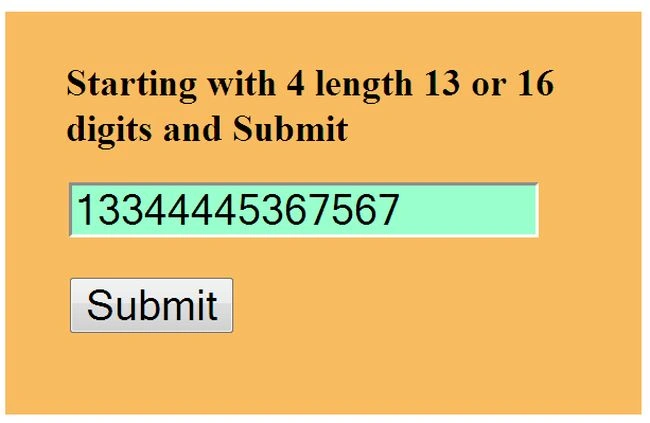
If the wrong number is entered then show an error.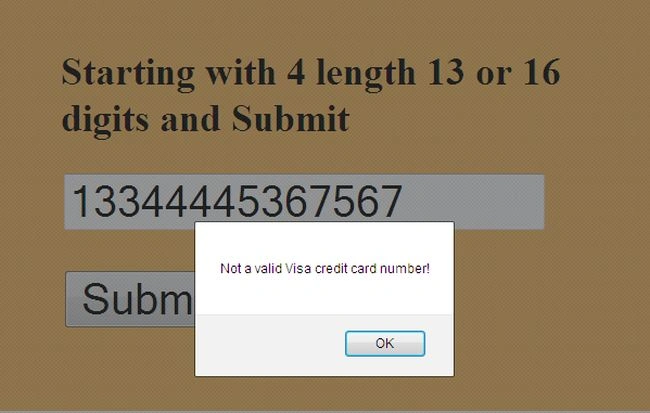
When the correct credit card number is entered it looks like: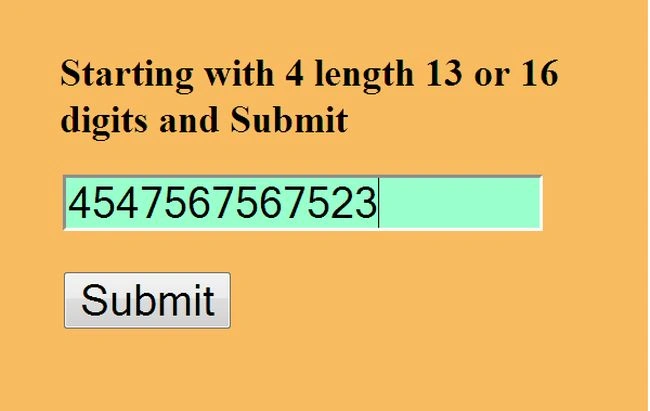
Example
Here, this code is used for validating a master card number; this file is to be saved as "master-card.js".
function cardnumber(inputtxt)
{
var cardno = /^(?:5[1-5][0-9]{14})$/;
if(inputtxt.value.match(cardno))
{
return true;
}
else
{
alert("invalide Mastercard number!");
return false;
}
}
This is a HTML file for master card design.
<html>
<head>
<meta charset="utf-8">
<title>Master</title>
<link rel='stylesheet' href='form.css' type='text/css' />
</head>
<br><body onload='document.form1.text1.focus()'>
<div class="sent">
<h2>Input master Card No. Starting with 51 through 55, length 16 digits and Submit</h2>
<form name="form1" action="#">
<ul>
<li><input type='text' name='text1'/></li>
<li> </li>
<li class="submit"><input type="submit" name="submit" value="Submit" onclick="cardnumber(document.form1.text1)"/></li>
<li> </li>
</ul>
</form>
</div>
<script src="master-validation.js"></script>
</body>
</html>
Output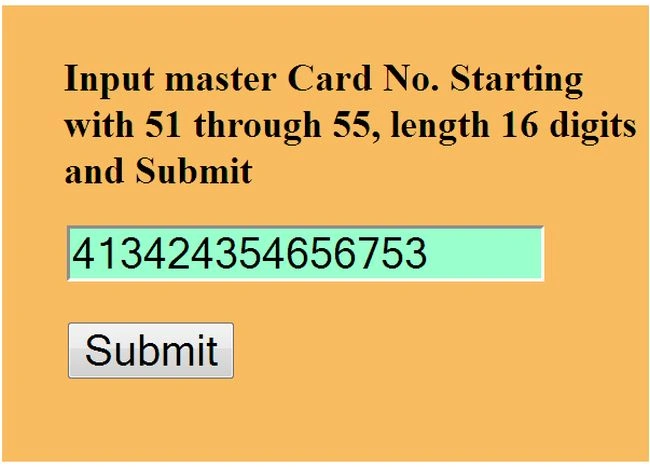
If you have entered the wrong number then show this error. Such as: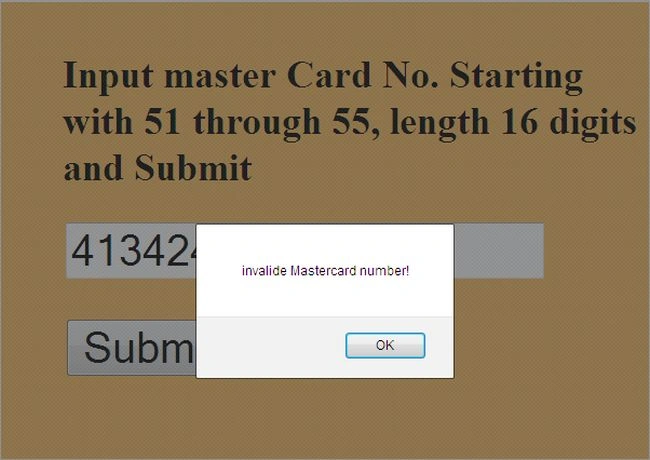
When you have entered the correct master card number it looks like: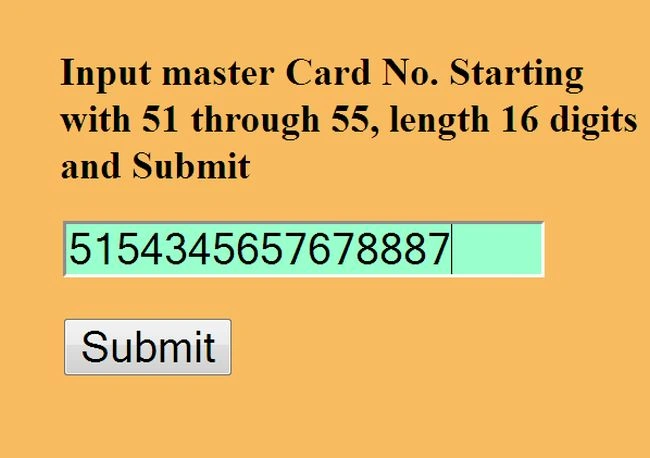
Join the conversation! Your thoughts help the community grow.